AI Kick Start × AI Kick Start

Agentic Workflows for Knowledge Workers

A 38-lesson AI Kick Start course that starts with plain-language AI basics, builds into practical AI 101, then teaches Codex, Claude, safe agent workflows, reusable skills, automations, and guided product walkthroughs.

AI Kick Start Agentic Workflows course banner with a dark coastal command-room scene

0 of 38 lessons complete

16 AI Basics, AI 101, workflow lessons, and walkthroughs included

AI Basics: Start Here

Simple AI foundations first, then business AI 101.

The first lessons use very simple words, short practice tasks, and clear safety rules. Once learners know the basic terms, the existing Careersy AI 101 lessons continue into roadmaps, tools, automation, document AI, repeatable systems, and search visibility.

1

AI Basics: Start Here

AI Basics: What AI Is

AI is computer help that looks for patterns and gives a useful answer. It can help you write, plan, explain, sort, and summarise, but it can still make mistakes.

Visualisation
Simple map: question in, AI answer out, human checks before use.
Learner output
A one-sentence explanation of AI and a short list of three safe ways to use it.
Open lesson
2

AI Basics: Start Here

AI Basics: ChatGPT, Claude, and Codex

ChatGPT and Claude are AI chat tools. Codex is an AI tool that can help with project files and code. They overlap, but beginners should choose based on the job.

Visualisation
Tool chooser: ask, read, plan, or work on a project.
Learner output
A simple tool-choice note for three common jobs.
Open lesson
3

AI Basics: Start Here

AI Basics: Computer Words You Need

Browser, website, app, download, install, account, sign in, file, and folder are the basic words learners need before setup screens make sense.

Visualisation
Plain-language glossary board for setup words.
Learner output
A personal glossary of basic computer words.
Open lesson
4

AI Basics: Start Here

AI Basics: How To Stay Safe

The safest beginner rule is simple: do not share secrets, passwords, payment details, private emails, or sensitive documents unless a trusted person has approved the task.

Visualisation
Safe to share vs stop and check.
Learner output
A personal AI safety checklist.
Open lesson
5

AI Basics: Start Here

AI Basics: Your First Simple Prompt

A prompt is the instruction you type. A good beginner prompt names the topic, the audience, and the kind of answer you want.

Visualisation
Prompt recipe: topic, audience, output.
Learner output
One simple prompt and one improved version.
Open lesson
6

AI Basics: Start Here

AI Basics: Talking To AI vs Asking AI To Do A Task

Talking to AI gives you an answer. Asking AI to do a task may involve reading, creating, changing, or sending something. That is when you slow down.

Visualisation
Answer only vs task with a check point.
Learner output
A list of examples labelled answer-only or task.
Open lesson
7

AI Basics: Start Here

AI Basics: What Permissions Mean

Permission buttons are choices that let a tool see or do something. Beginners should pause, read, and ask what the button allows.

Visualisation
Permission words translated into plain English.
Learner output
A permission pause checklist.
Open lesson
8

AI Basics: Start Here

AI Basics: First Safe Mini Project

The first project is a simple checklist. Learners give AI a safe task, read the answer, improve it, and decide what they would use.

Visualisation
Mini project path: choose, prompt, read, improve, save.
Learner output
A checked weekly checklist made from a simple AI prompt.
Open lesson
9

Renamed from the AI roadmap guide

AI 101: Build Your First AI Roadmap

Learners pick one real, repeated workflow, score four candidates for impact, effort, data readiness, risk and owner confidence, and leave with a one-page first-win roadmap that names an owner, allowed inputs, a success metric, and a 30-day review checkpoint.

Visualisation
Roadmap heatmap showing impact, effort, data readiness, risk, and owner confidence.
Learner output
A one-page AI roadmap: first-win workflow, named owner, allowed inputs and data boundary, success metric, key risks, 30-day review checkpoint, and an explicit stop-or-expand decision rule.
Open lesson
10

Renamed from the best AI tools guide

AI 101: Choose a Starter Tool Stack

Learners map their real weekly work to a short list of jobs, score candidate tools on fit, risk, integration and total cost, then commit to one primary tool, one controlled backup, and a written approval boundary per job - the stack you can actually run, not the longest wishlist.

Visualisation
Anchor-platform matrix: ChatGPT, Claude, Microsoft 365 Copilot, and Gemini matched to jobs, ecosystems, boundaries, and budget rules.
Learner output
A starter stack scorecard: for each named job, your primary tool, controlled backup, the data it may touch, the monthly cost, and the approval boundary a non-user manager could sign off.
Open lesson
11

Renamed from the AI automation savings guide

AI 101: Save Hours With Weekly Automation

Learners design a draft-and-review automation for one well-understood weekly task instead of trying to automate a whole role. The lesson teaches the trigger-inputs-actions-draft-review-handover anatomy, how to estimate saved time honestly (including review time), and the staged-trust rule: prove the manual workflow, then the draft path, then widen permission - never the other way round.

Visualisation
Before-and-after time bar chart for admin, reporting, research, content, and follow-up work.
Learner output
A one-page weekly automation brief: the named task, its trigger, the exact allowed inputs, the draft output and where it is saved, the review rule (who checks what), the failure message, and a conservative saved-time estimate that already subtracts review time.
Open lesson
12

Renamed from the AI agents explained guide

AI 101: Understand AI Agents

Learners learn the industry definition that separates an agent from a chatbot - autonomous decision-making within a scoped task - then classify their own work as chat, assistant workflow, or agent workflow, and write a permissioned, reviewable agent brief with explicit stop conditions.

Visualisation
Agent loop diagram: goal to context to tools to permissions to action to evidence to review and stop.
Learner output
A task classification sheet (chat / assistant workflow / agent workflow) plus a safe agent brief for one professional workflow, including its permission scope, evidence requirements, and stop conditions.
Open lesson
13

Renamed from the choosing AI tools guide

AI 101: Buy Tools Without Wasting Money

Learners run a practical buying filter - problem fit, data boundary, integration, adoption cost, exit path, and a time-boxed pilot decision - before approving any AI subscription, so spend maps to value instead of hype.

Visualisation
Decision funnel from problem fit through privacy, integration, adoption, and measurable outcome.
Learner output
An AI buying checklist and a yes/no pilot decision for one candidate tool, with budget cap and exit path.
Open lesson
14

Expanded from secure local AI and sensitive document themes

AI 101: Use Document AI Safely

Learners classify document risk against four data classes, then write a plain-language allow / ask-first / never-use policy that also picks the right tool tier and leaves an audit trail - the difference between safe document AI and a breach.

Visualisation
Document-risk grid across public, internal, confidential, and sensitive data classes.
Learner output
A document AI handling policy with allow, ask-first, and never-use categories.
Open lesson
15

Expanded from microagent and reusable workflow themes

AI 101: Package Repeatable Agent Systems

Learners turn a one-off prompt into a named procedure with a trigger, inputs, standards, steps, output format, examples, and a review rule - then learn exactly which 2026 platform feature (ChatGPT Project, Custom GPT, Claude Project, or Claude Skill) to package it in, and how to hand it off so it survives the handoff.

Visualisation
Reusable system stack: prompt, checklist, folder, skill, automation, and plugin.
Learner output
A first reusable AI workflow card plus a packaging decision - the specific platform feature (Project, Custom GPT, or Skill) you will build it in and why - ready to test with a teammate.
Open lesson
16

Expanded from SEO and GEO growth-system themes

AI 101: Grow Visibility in Search and AI Answers

Learners plan three useful topics with buyer questions, citable proof, structured pages, internal links, a clear next step, and an update cadence - engineered so search engines and AI answer engines can understand and quote the business.

Visualisation
Visibility signal board covering keywords, questions, proof, schema, freshness, and internal links.
Learner output
A three-topic content plan with target buyer questions, citable proof, internal links, a clear next step, and an update cadence - each topic scored for whether an AI answer engine could quote it.
Open lesson

AI Kick Start course - AI basics, 16 core lessons, 6 guided walkthroughs

One complete course, from basics to operational agent workflows.

Start with AI basics and practical AI 101, then continue into 16 workflow lessons and six click-by-click walkthroughs for Codex and Claude. Each walkthrough uses real screens, exact actions, and implementation checkpoints.
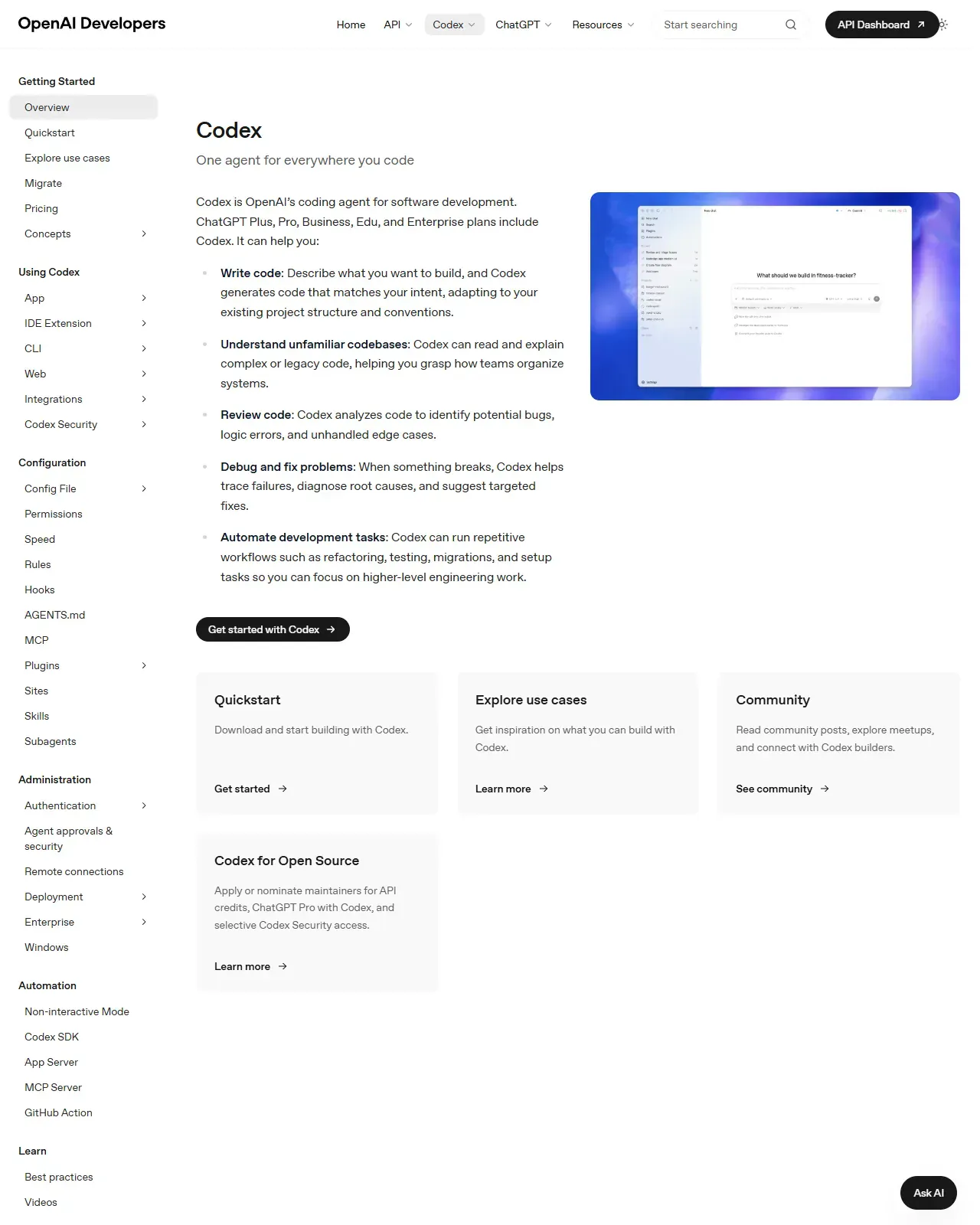
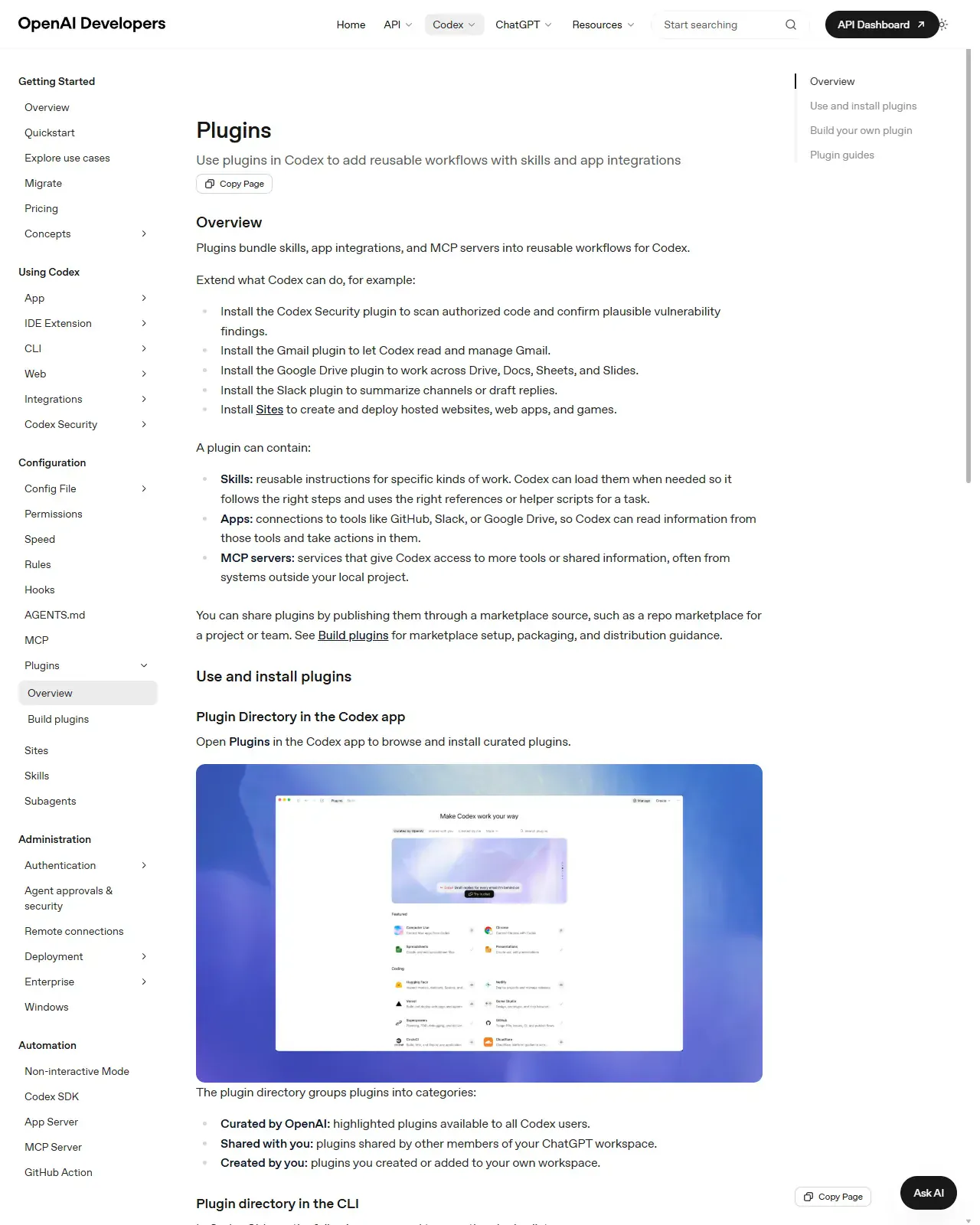
Welcome: what agentic work actually means lesson previewOpenAI
Lesson 17 · Core - 00:00-00:15

Welcome: what agentic work actually means

Internalise the difference between a chatbot and an agent, learn the read-propose-act-observe loop that powers every coding agent, and adopt a read-only-first, ask-before-acting safety stance, captured as a reusable standing-instruction preamble you will paste into every later lesson.

Open lesson
System map: Codex vs Claude Cowork vs Claude Code lesson previewOpenAI
Lesson 18 · Core - 00:15-00:30

System map: Codex vs Claude Cowork vs Claude Code

Build an accurate, current mental map of the three tools, and the surfaces each one runs on, so you can route any task to the front door that fits its risk, latency, and deliverable, instead of defaulting to whichever app you opened first.

Open lesson
Accounts, pricing, usage, and token reality lesson previewOpenAI
Lesson 19 · Core - 00:30-00:45

Accounts, pricing, usage, and token reality

Master the real economics of agentic tools: which plans unlock Codex and Claude Code, exactly how usage is metered in 2026, how tokens convert to cost, and the concrete habits that make a $20 plan outlast a careless $200 one.

Open lesson
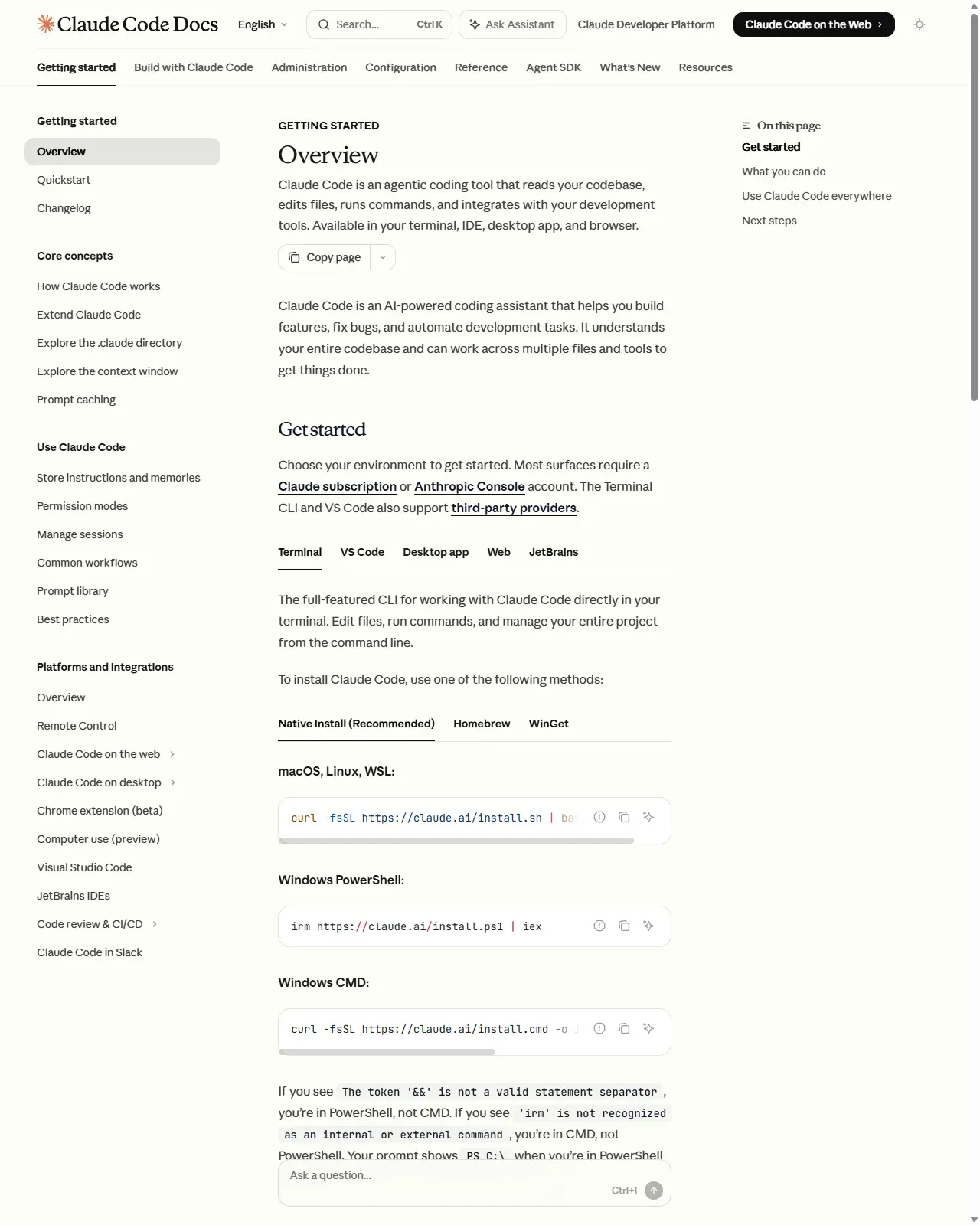
Install and first-run checklist lesson previewClaude
Lesson 20 · Core - 00:45-01:00

Install and first-run checklist

Install the right agent for your shell with the exact current command, authenticate without leaking a key, and run a deliberately read-only first session, building the diff-before-approve habit that makes every later lesson safe.

Open lesson
The universal agent task brief lesson previewClaude
Lesson 21 · Core - 01:00-01:15

The universal agent task brief

Master the anatomy of a reusable task brief, role, context, scope, constraints, output format, and a review gate, so any coding agent (Codex, Claude Code, Claude Cowork) can act correctly on the first pass without follow-up questions, and so the brief itself becomes a low-cost, low-error contract you reuse across every job.

Open lesson
Standing instructions: AGENTS.md and CLAUDE.md lesson previewClaude
Lesson 22 · Core - 01:15-01:30

Standing instructions: AGENTS.md and CLAUDE.md

Build a persistent, layered instruction system. AGENTS.md for Codex, CLAUDE.md for Claude Code, so every session starts already knowing your build commands, conventions, and house rules. Master the load order and precedence of both tools, write rules concrete enough that the agent actually follows them, scope each rule to the right level, keep one source of truth so the two tools never drift, and know exactly where the line is between guidance (a file) and enforcement (a hook).

Open lesson
Local files, safe inputs, and review gates lesson previewOpenAI
Lesson 23 · Core - 01:30-01:45

Local files, safe inputs, and review gates

Configure approval and sandbox settings on both Codex and Claude Code so the agent works productively without ever making a change you didn't sanction, and learn to reason about safety by blast radius (what a wrong action can reach) rather than by how confident the agent sounds, so you set each gate at the point where 'undo' stops existing.

Open lesson
Break: first workflow review lesson previewOpenAI
Lesson 24 · Core - 01:45-02:00

Break: first workflow review

Run one complete reviewed workflow end to end, scope a real task, write the brief, get a propose-only diff, review it like a pull request, approve, and verify, then run a short structured reflection that converts the run into a standing rule. By the end you can drive the full propose-diff-review-approve-verify loop and reliably catch silent failures, where the agent reports success but the work is wrong, incomplete, or out of scope.

Open lesson
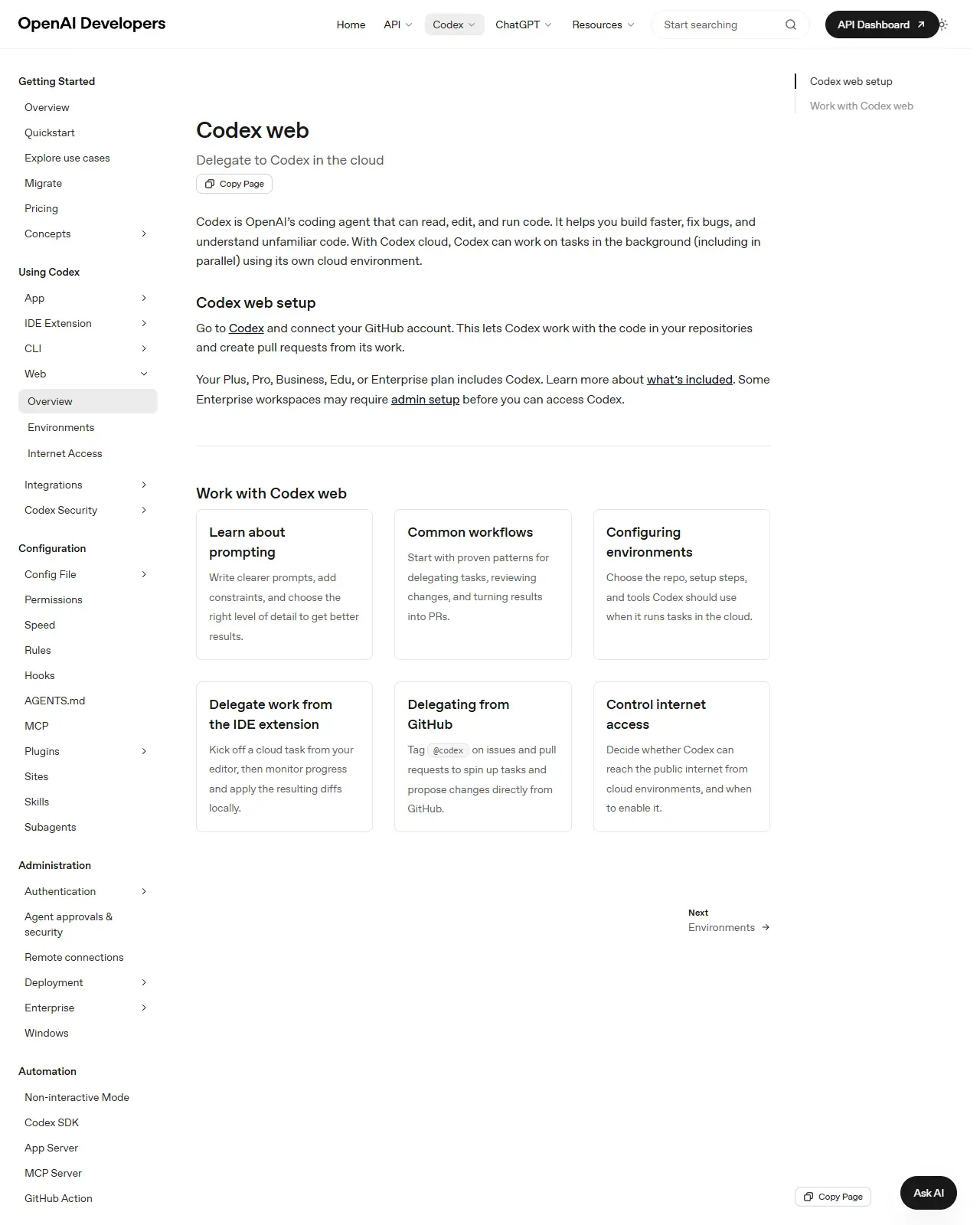
Codex App: projects, threads, worktrees, plugins, automations lesson previewOpenAI
Lesson 25 · Core - 02:00-02:15

Codex App: projects, threads, worktrees, plugins, automations

Master Codex as one agent with many front doors. Set up the desktop App and run isolated, parallel work on a real project folder, but also understand the full surface map. App, IDE, CLI, Cloud/Web, GitHub, and Chrome, the cloud task lifecycle, environments and the internet toggle, and the decision of when to delegate to the cloud versus keep work local. You will leave with a working App setup, a reviewed commit on an isolated worktree, and a clear rule for which surface to reach for next time.

Open lesson
Claude Cowork: chat, local work, connectors, skills, plugins lesson previewClaude
Lesson 26 · Core - 02:15-02:30

Claude Cowork: chat, local work, connectors, skills, plugins

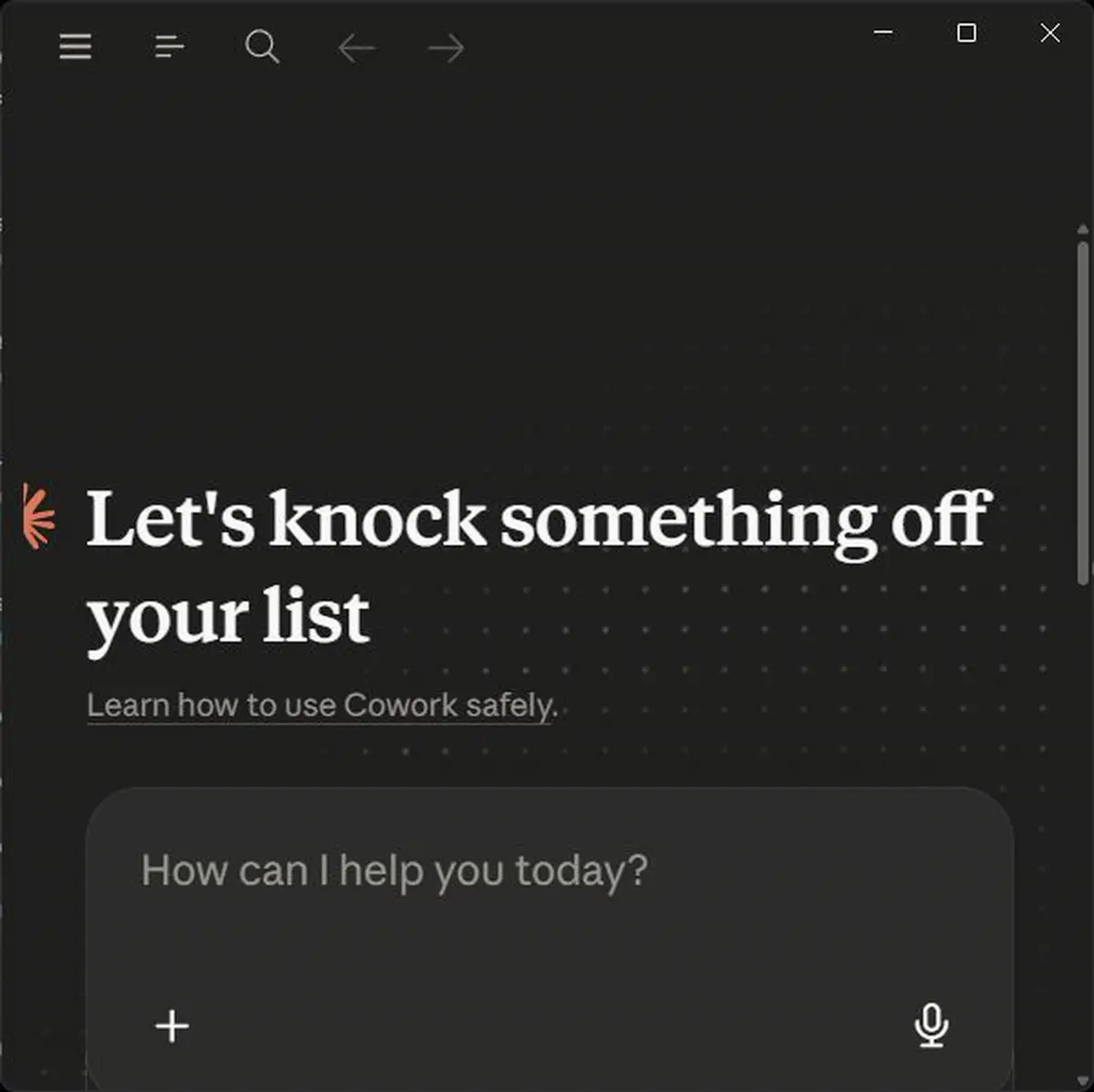
Understand what Claude Cowork actually is, a desktop agent that turns a goal into a finished document deliverable inside a sandboxed VM, and learn to run its plan-then-approve loop, scope its folders and connectors, and decide correctly when a task belongs in Cowork (a deliverable) versus Claude Code (a diff).

Open lesson
Mobile-to-desktop workflows lesson preview
Lesson 27 · Core - 02:30-02:45

Mobile-to-desktop workflows

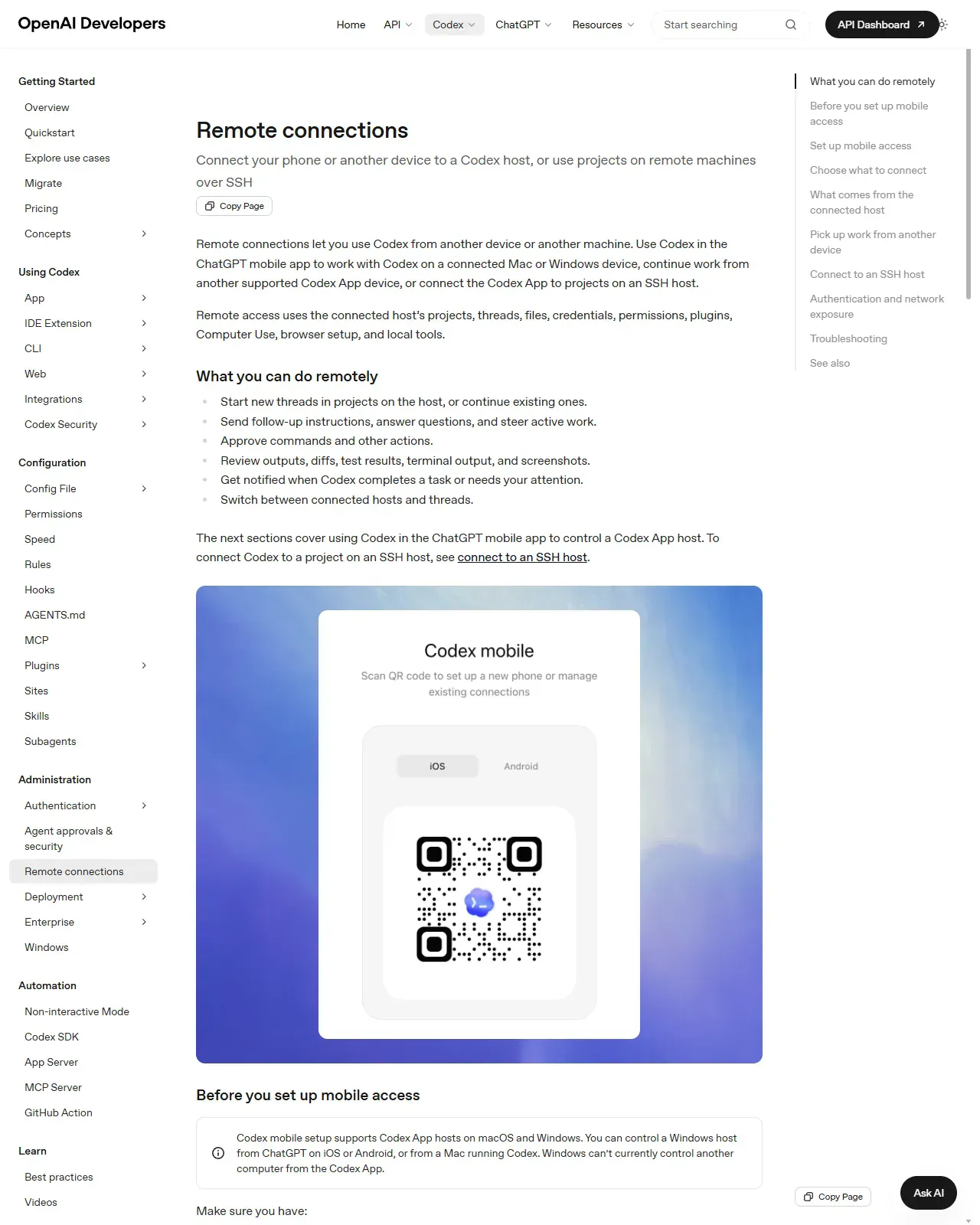
Master session portability: kick off agentic work from your phone or a browser, let it run on a trusted host, and finish it at your desk, using Codex remote connections, Claude Code Remote Control, and teleport. Learn the async-delegation pattern that turns idle minutes (a commute, a queue, a meeting break) into finished work, and the security habits that keep a phone-to-host link safe.

Open lesson
Scheduling recurring reports and briefings lesson preview
Lesson 28 · Core - 02:45-03:00

Scheduling recurring reports and briefings

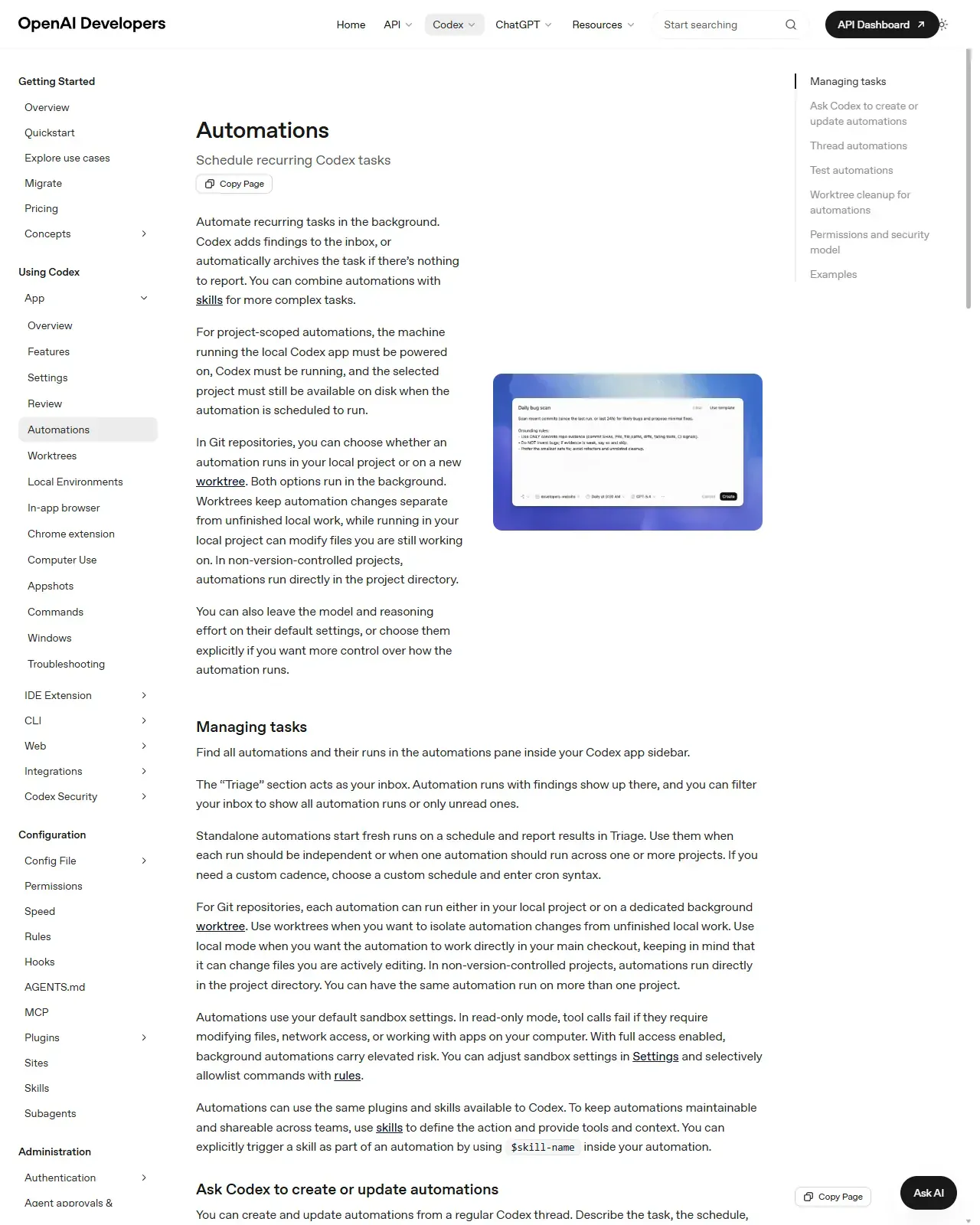
Build a recurring agent automation that runs unattended on a schedule and delivers a scheduled briefing, and, just as importantly, learn the decision and guardrail discipline that makes unattended runs safe: when to schedule vs keep a human in the loop, why an automated task must be idempotent, and how to scope sandbox, network, and approvals so a background run can never do damage you don't see until later.

Open lesson
Micro-automation ideas by role lesson preview
Lesson 29 · Core - 03:00-03:15

Micro-automation ideas by role

Pick one safe, high-leverage micro-automation that fits your actual job and tooling, and learn the operator's selection method: score candidates by frequency and annoyance, filter by reversibility, and rank your shortlist by return-on-investment so the first thing you build is the one most likely to stick.

Open lesson
Create your first reusable skill lesson previewClaude
Lesson 30 · Core - 03:15-03:30

Create your first reusable skill

Turn your chosen micro-automation into a reusable, version-controlled SKILL.md that the agent loads on demand, and understand the deeper model behind it: what a skill actually is, how its three parts (name, description, instructions) each earn their place, exactly when a skill is the right tool versus a prompt or a standing instruction, and how to write the description so the skill fires when you want it and stays silent when you don't.

Open lesson
From skill to plugin: build your own tooling lesson previewOpenAI
Lesson 31 · Core - 03:30-03:45

From skill to plugin: build your own tooling

Understand the capability ladder and know exactly when to promote a personal skill into a shared, installable plugin, then how to package, version, distribute, and govern that plugin safely. By the end you can read a real plugin manifest, lay out a plugin directory from memory, choose between explicit-version and commit-SHA release strategies, and write a least-privilege trust note that an installer can act on.

Open lesson
Capstone: personal AI workbench and take-home standards lesson preview
Lesson 32 · Core - 03:45-04:00

Capstone: personal AI workbench and take-home standards

Assemble every part of the course, the safety preamble, the system map, cost discipline, the task brief, standing instructions, review gates, the reviewed-run loop, scheduling, role automations, your first skill, and the skill-to-plugin ladder, into ONE real, shipped workbench workflow you actually run, plus a Day 1-7 plan and a one-page charter of durable standards. By the end you can chain the course concepts into a single operating workflow, verify it against a written success criterion, and have a maintenance cadence that keeps the whole thing trustworthy over months, not just the day you built it.

Open lesson
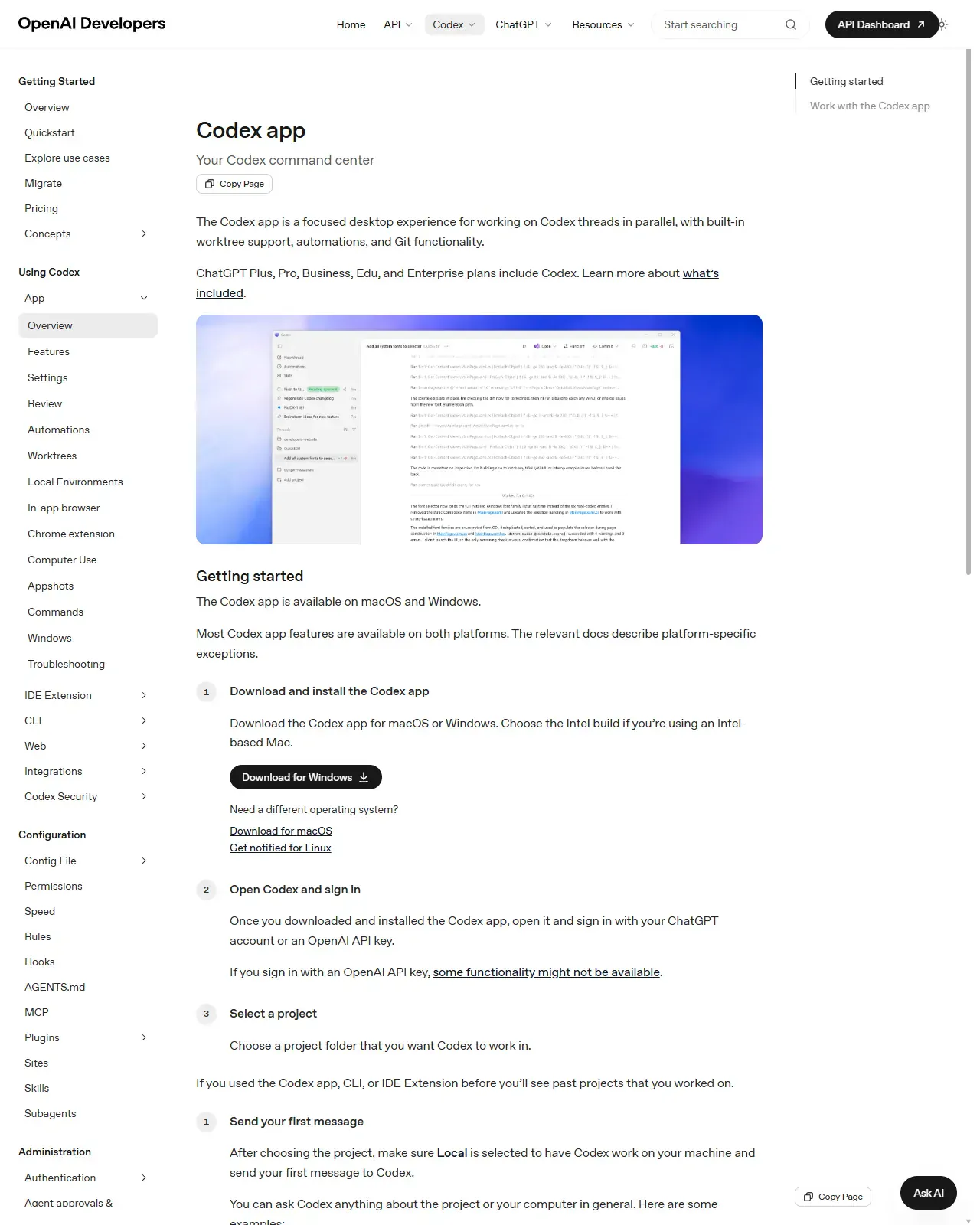
Walkthrough: Codex App: end-to-end lesson previewOpenAI
Lesson 33 · Guided walkthrough 1 - 12-18 min

Walkthrough: Codex App: end-to-end

Install the Codex desktop app, point it at a real project, set a safe workspace-write sandbox with on-request approvals, run an isolated Git worktree task, verify it in the integrated terminal, review and commit the diff, then add a plugin and a standalone automation that reports findings into Triage.

Open lesson
OpenAI
Lesson 34 · Guided walkthrough 2 - 12-18 min

Walkthrough: Codex CLI: end-to-end

Install the Codex CLI, sign in with your ChatGPT account, point it at a Git repo, ask read-only questions safely, then move up to workspace-write with on-request approvals, brief a small task, approve a command at the prompt, review the diff with /diff, verify with a test, and commit the result yourself.

Open lesson
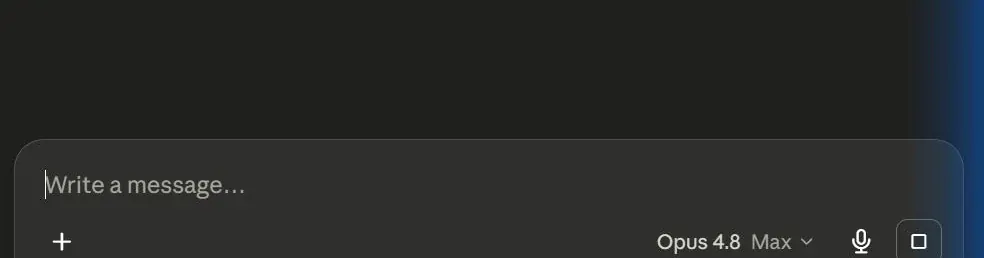
Walkthrough: Claude Chat: connectors & projects lesson previewClaude
Lesson 35 · Guided walkthrough 3 - 10-15 min

Walkthrough: Claude Chat: connectors & projects

Connect Google Drive and Gmail to Claude Chat through the Connectors Directory, complete each Google authentication flow, enable both connectors for a single conversation, review Tool permissions so risky tools need approval, and ask Claude to read from Drive and Gmail, relying on approve-first controls plus per-action approval prompts to keep Claude from changing anything.

Open lesson
Walkthrough: Claude Cowork: plugins, skills & local work lesson previewClaude
Lesson 36 · Guided walkthrough 4 - 12-18 min

Walkthrough: Claude Cowork: plugins, skills & local work

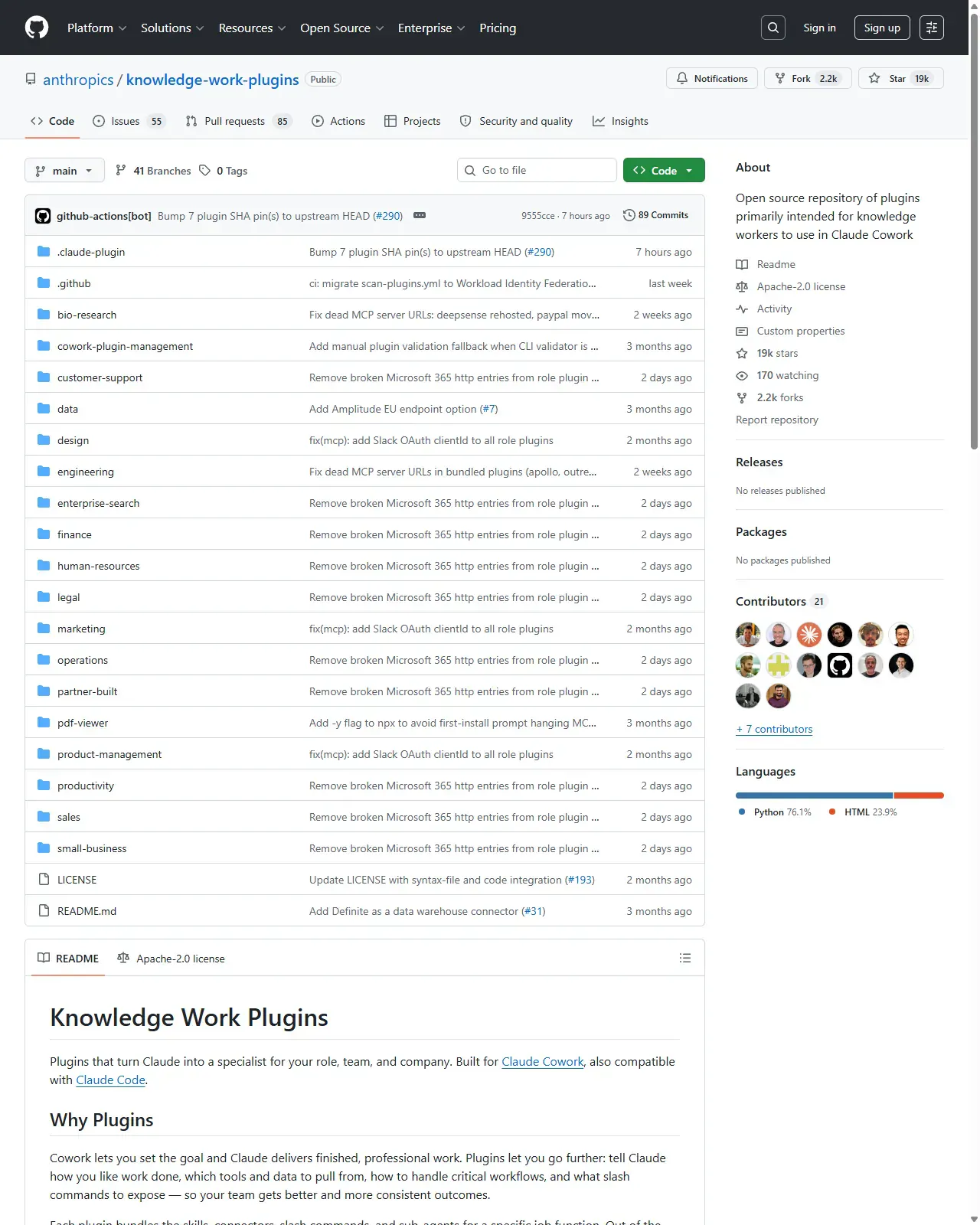
Browse the Anthropic & Partners plugin marketplace, inspect or manage a role plugin, connect Google Drive, toggle the connector on inside a task, review Tool permissions so risky tools need approval, invoke a plugin skill with "/", and run an end-to-end task on a local file, all in Claude Cowork, with browse-before-install and approve-before-risky habits baked in.

Open lesson
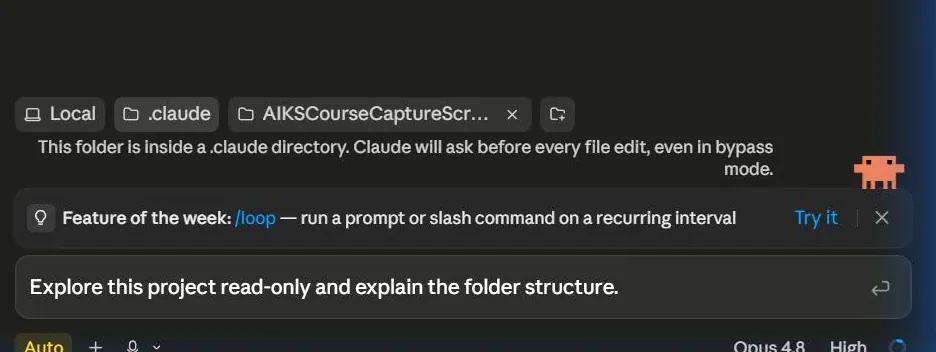
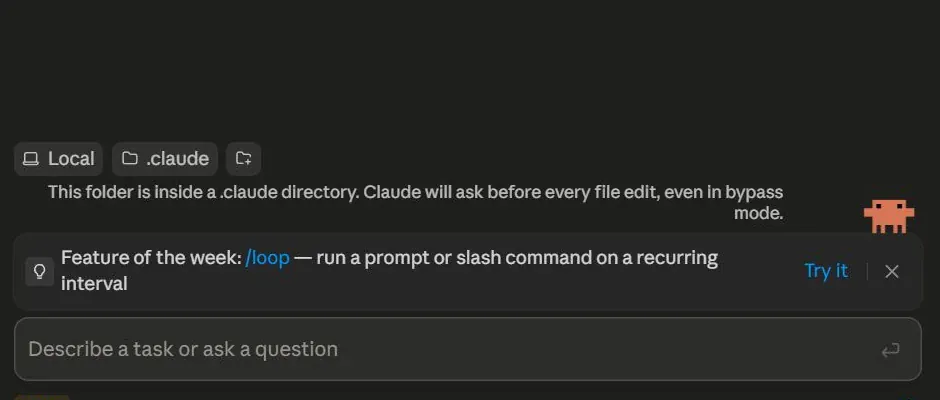
Walkthrough: Claude Code in the app lesson previewClaude
Lesson 37 · Guided walkthrough 5 - 10-15 min

Walkthrough: Claude Code in the app

Open Claude Code inside the Claude desktop app, point it at a real project folder, and run your first safe edit end to end: read-only exploration, a generated CLAUDE.md, a visual diff you approve change by change, then a completed session.

Open lesson
Claude
Lesson 38 · Guided walkthrough 6 - 18-26 min

Walkthrough: Claude Code CLI: full setup, auth, skills & plugins

Install Claude Code, log in safely, set permission modes and project memory, make a reviewed edit, build a skill, install a plugin from a marketplace, wire up an MCP server, and commit, all from the terminal.

Open lesson

Learner outcomes

What you can do by the end.

  • Explain when to use Codex, Claude Cowork, Claude Code, desktop agents, CLI agents, skills, plugins, connectors, MCP, and scheduled tasks.
  • Operate the Codex App and CLI, Claude Chat, Claude Cowork, Claude Code in the app, and the Claude Code CLI through six built-in screen-by-screen walkthroughs.
  • Build a safe personal AI operations folder with instructions, prompt templates, outputs, logs, and review rules.
  • Run a practical file-based agent workflow and improve it through a bounded review loop.
  • Draft one recurring automation and one mobile-to-desktop task prompt.
  • Turn a repeated workflow into a reusable skill and plugin concept.
OpenAI CodexBest for project execution, code, tooling and repeatable technical workflows.Claude Cowork + Claude CodeBest for documents, local files, knowledge work and human-readable output.